
Frameworks such as LangChain and CrewAI have made building AI agents easier than ever. In practice, though, development often runs into API rate limits, the need to manage high-dimensional data, or the awkwardness of exposing local servers to the internet. Rather than paying for cloud services or cluttering a host machine with dependencies during prototyping, much of the supporting infrastructure can run locally in Docker containers. With a single command each, the five containers below add capabilities that make agents faster, cheaper and easier to develop, and they belong in most AI agent developers’ toolkits.
1. Ollama: run local language models
Sending every request to a hosted provider such as OpenAI can be slow and costly, and some tasks — grammar correction, classification, simple routing — only need a fast, private model. Ollama runs open-weight large language models such as Llama 3, Mistral and Phi directly on local hardware, which keeps data on the machine and removes per-token costs during development.
Running Ollama in Docker is straightforward; the commands below pull a model and expose a local API that an agent can call:
docker run ollama/ollama
docker run -d -v ollama:/root/.ollama -p 11434:11434 --name ollama ollama/ollamadocker exec -it ollama ollama run mistralhttp://localhost:11434
2. Qdrant: a vector database for memory
Agents that recall information rely on a vector database, which stores numerical embeddings of text so that semantically similar content can be retrieved later. Qdrant is a high-performance, open-source vector database written in Rust, offering both gRPC and REST APIs. For a retrieval-augmented generation (RAG) agent it acts as long-term memory: a user question is converted into a vector, similar vectors are looked up, and the retrieved context is used to generate an answer. Running it in Docker separates this memory layer from the application code, making the system more robust.
A single command starts Qdrant and exposes its API and dashboard:
docker run -d -p 6333:6333 -p 6334:6334 qdrant/qdrantlocalhost:6333
3. n8n: glue workflows together
Agent workflows rarely exist in isolation; an agent may need to check email, update a row in Google Sheets, or post a Slack message. n8n is a fair-code workflow-automation tool that connects services through a visual interface. Run locally, it can express complex logic — for example, “if an agent detects a sales lead, add it to a CRM and send a Slack alert” — without hand-writing integration code. An agent calls an n8n webhook, sends the data, and n8n handles the downstream steps.
The command below runs n8n with SQLite as its database and mounts a volume so workflows persist:
docker run -d --name n8n -p 5678:5678 -v n8n_data:/home/node/.n8n n8nio/n8nhttp://localhost:5678
4. Firecrawl: turn websites into LLM-ready data
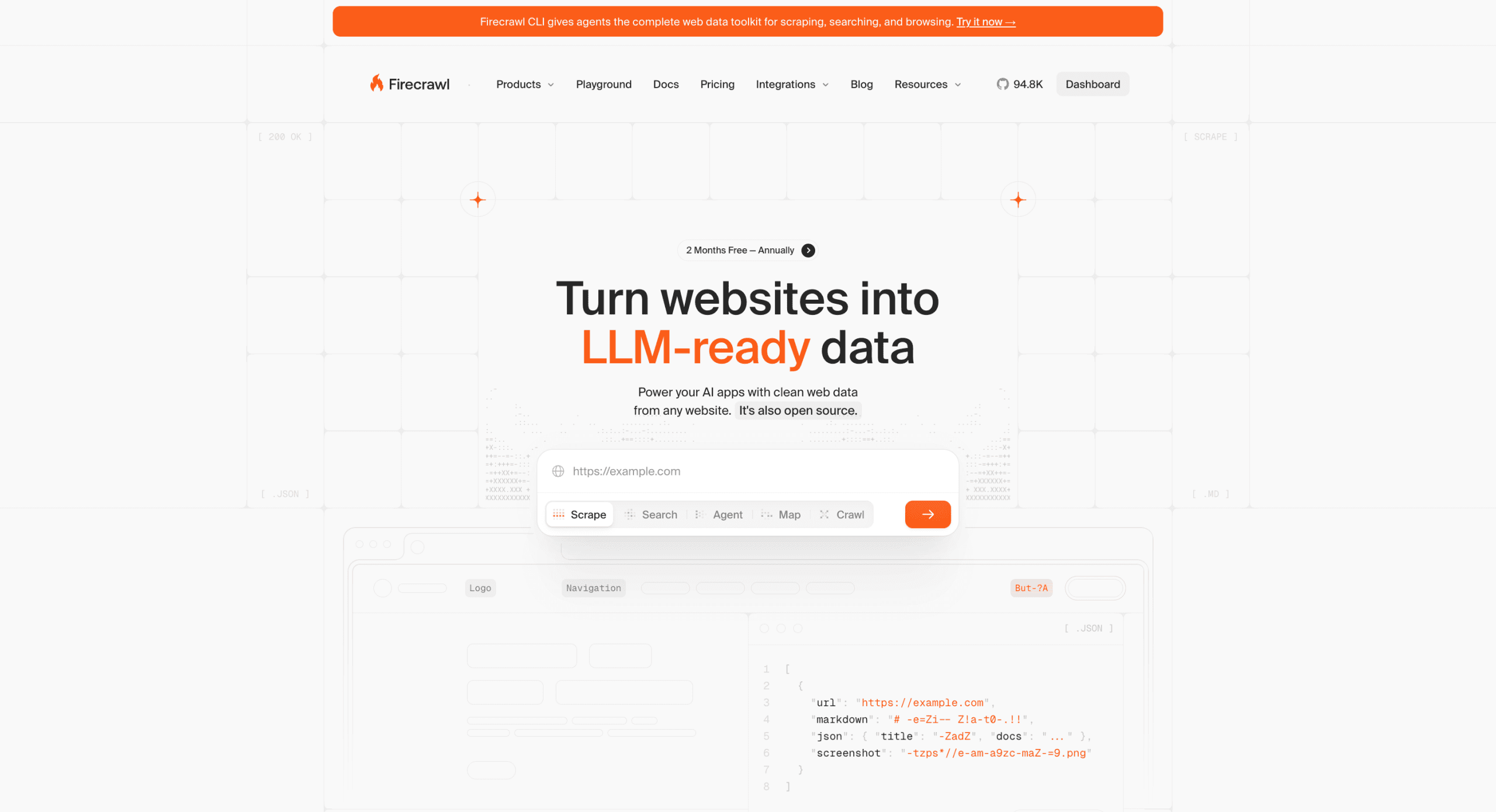
Firecrawl converts web pages into clean text or structured data suitable for language models. It renders JavaScript and strips boilerplate such as ads and navigation automatically, and running it locally removes the usage limits of the hosted version. For a research agent, a local Firecrawl instance can fetch a page, convert it to clean text, segment it, and store the result in a vector database such as Qdrant.
Because Firecrawl bundles several services (its app, Redis and Playwright), the usual approach is to clone the repository and start it with its compose configuration:
docker-compose.yml
git clone https://github.com/mendableai/firecrawl.git
cd firecrawl
docker compose up
5. PostgreSQL and pgvector: relational plus vector memory
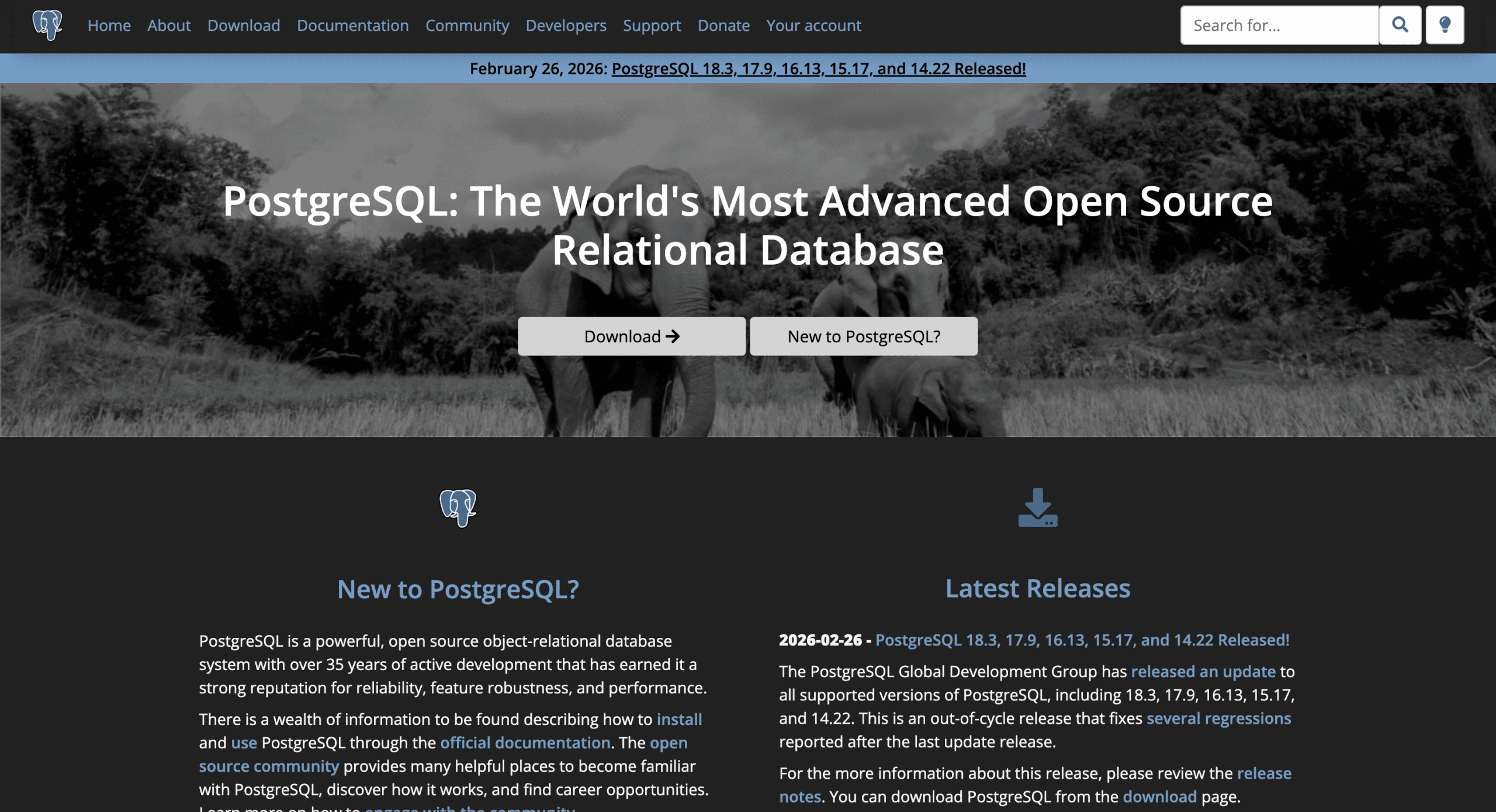
Vector search alone is sometimes insufficient. An agent may need structured data — user profiles, transaction logs — alongside vector embeddings in a single store. PostgreSQL with the pgvector extension supports exactly this, keeping relational records and embeddings together so that one familiar, battle-tested database serves both roles. This reduces moving parts compared with running a separate relational database and vector store.
The extension is available in a ready-made Docker image, which can be started with a single command:
docker run -d --name postgres-pgvector -p 5432:5432 -e POSTGRES_PASSWORD=mysecretpassword pgvector/pgvector:pg16Wrapping up
Each of these containers solves a recurring problem in agent development — local inference, vector memory, workflow automation, web ingestion and combined relational-plus-vector storage — and all run with a single Docker command during prototyping. One caveat worth noting: the example commands are aimed at local development, not hardened production deployment, so authentication, persistence, resource limits and security should be revisited before any container is exposed beyond a development machine. Project documentation, such as Docker’s own guides, covers those production concerns in detail.
