
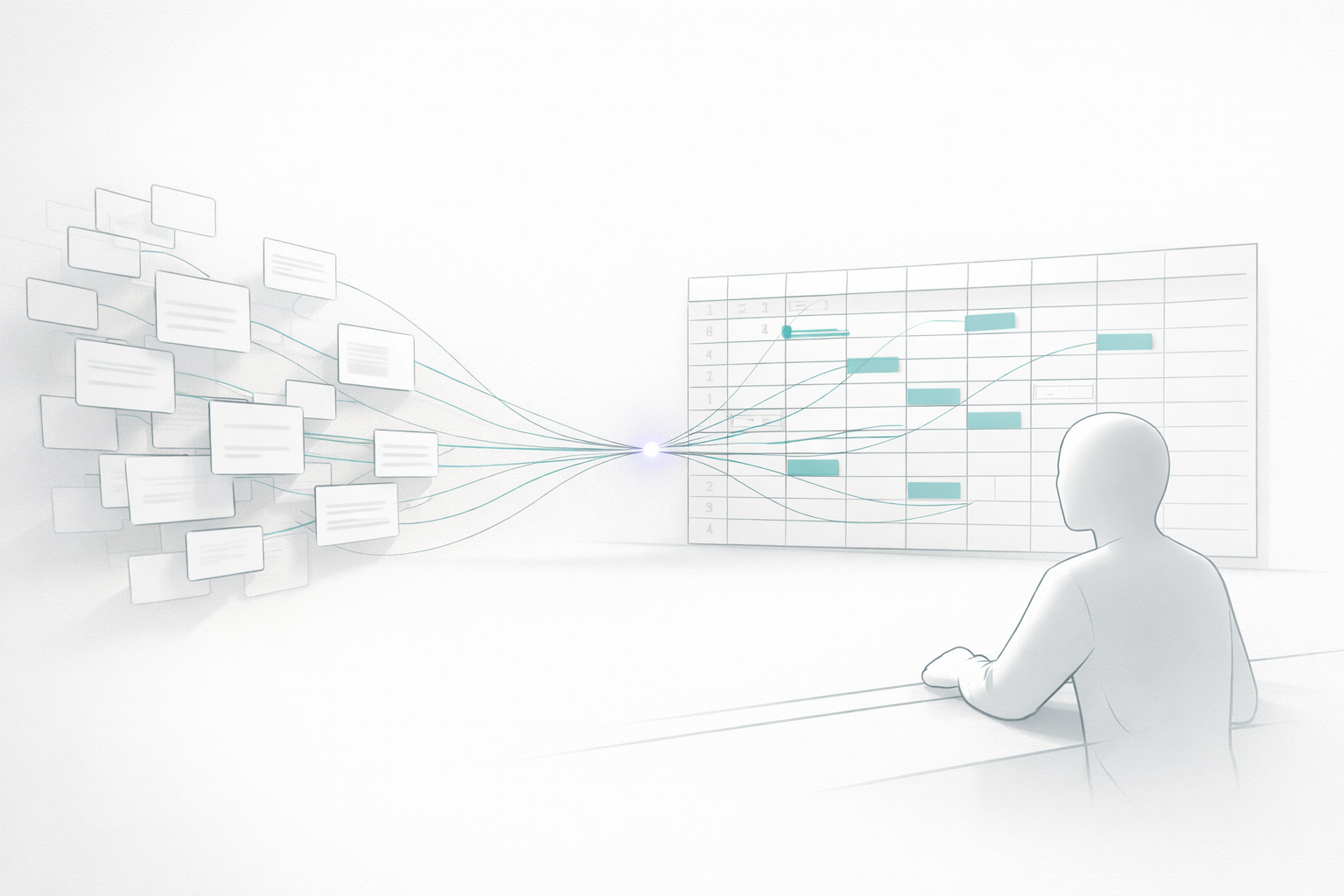
Spreadsheets remain the quiet backbone of most small businesses, from cash-flow models to inventory logs, so any change to how they work matters. Microsoft’s July 2026 update to Copilot puts real weight behind AI in Excel, and the headline change is trust: the assistant now shows its work, so you can check where a number came from before you act on it.
For owners who have been wary of letting a chatbot near their financials, that shift from black box to glass box is the most important update in a while.
Inline citations make AI in Excel checkable
The standout feature is inline citations. When Copilot returns an answer inside a workbook, it can now attach citations you can open to see the original source behind each figure. Instead of trusting a summary on faith, you click through and verify. For anything involving money, that single change turns a risky convenience into a genuinely usable tool, because the human check the technology always needed is now built into the interface.
Bring your own data, ask in plain English
Two more additions widen what the assistant can reach. Synced Copilot connectors let you pull your organisation’s connected content directly into Excel and then interrogate it with natural-language prompts, no formula gymnastics required. A tighter Power BI integration lets Copilot act on grounded report data you attach from the work content selector, and crucially it respects the same permissions tied to your account, so people only see what they are allowed to see. Microsoft also added a @brand-kit skill that applies your company’s formatting to a workbook on request.
Taken together, these turn Excel from a place where you store numbers into a place where you can question them, which is exactly the kind of low-friction win that helps small teams adopt AI without a big project. If you are still assembling your stack, our roundup of new AI tools small teams can use now pairs well with this.
Frontier models, and a quieter quality-of-life fix
Under the hood, Copilot in Excel now offers two frontier models: OpenAI’s GPT-5.6 and Anthropic’s Claude Opus 5. That means heavier analysis, from reconciling messy data to drafting a forecast, gets to a finished outcome with less manual assembly. Microsoft also dropped a longstanding annoyance: you no longer have to switch on AutoSave just to use Copilot, so you keep control of when a file is saved.
The arrival of top-tier models inside a tool almost every business already owns is part of a broader theme this year, the same one behind OpenAI’s push to get owners trained up in its ChatGPT for small business program. Frontier capability is showing up where people already work, not just in standalone apps.
What small teams should test first
Start with a workbook you already trust and ask Copilot a question you know the answer to, then use the citations to confirm it reasons correctly on your data. Next, connect one data source and try a plain-English query you would normally build a pivot table for. Keep the same discipline you would with any AI: verify outputs, mind permissions, and be deliberate about what data goes into a prompt. Those habits matter more, not less, as the tools get more capable, which is why a simple usage policy is worth having in place first.
The bottom line
Citations, connectors and frontier models make AI in Excel less of a novelty and more of a dependable colleague, provided you keep verifying its work. For small businesses that live in spreadsheets, this update is a low-risk place to build real AI habits, one checked answer at a time.
