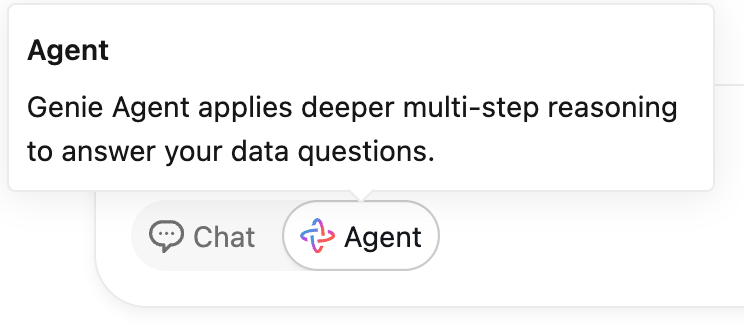
Databricks has introduced Agent Mode for Genie spaces, an agentic capability that iteratively plans, explores, and reasons over an organisation’s data to answer business questions. Announced as part of the company’s “Week of Agents,” Databricks Genie Agent Mode extends conversational analytics from single-query answers toward a workflow that resembles how a human analyst investigates a problem. The feature is described on the Databricks blog and documented in the product documentation.
The aim is to make deeper data analysis accessible to more people in an organisation, so that non-specialists can ask complex, open-ended questions, for example why a churn rate rose in a given quarter, how to optimise campaign spend, or what revenue impact to expect if two supply lines were disrupted, and receive an evidence-backed answer rather than a single chart.
How Genie Agent Mode works
When a question is posed in Agent Mode, Genie does not simply return one query result. It approaches the problem like a data analyst: it builds a research plan, forms hypotheses, runs multiple SQL queries to gather evidence from different angles, learns from each result, and iterates until it has enough support to produce a conclusion. The process is exposed to the user so the reasoning and the underlying queries can be reviewed and verified.
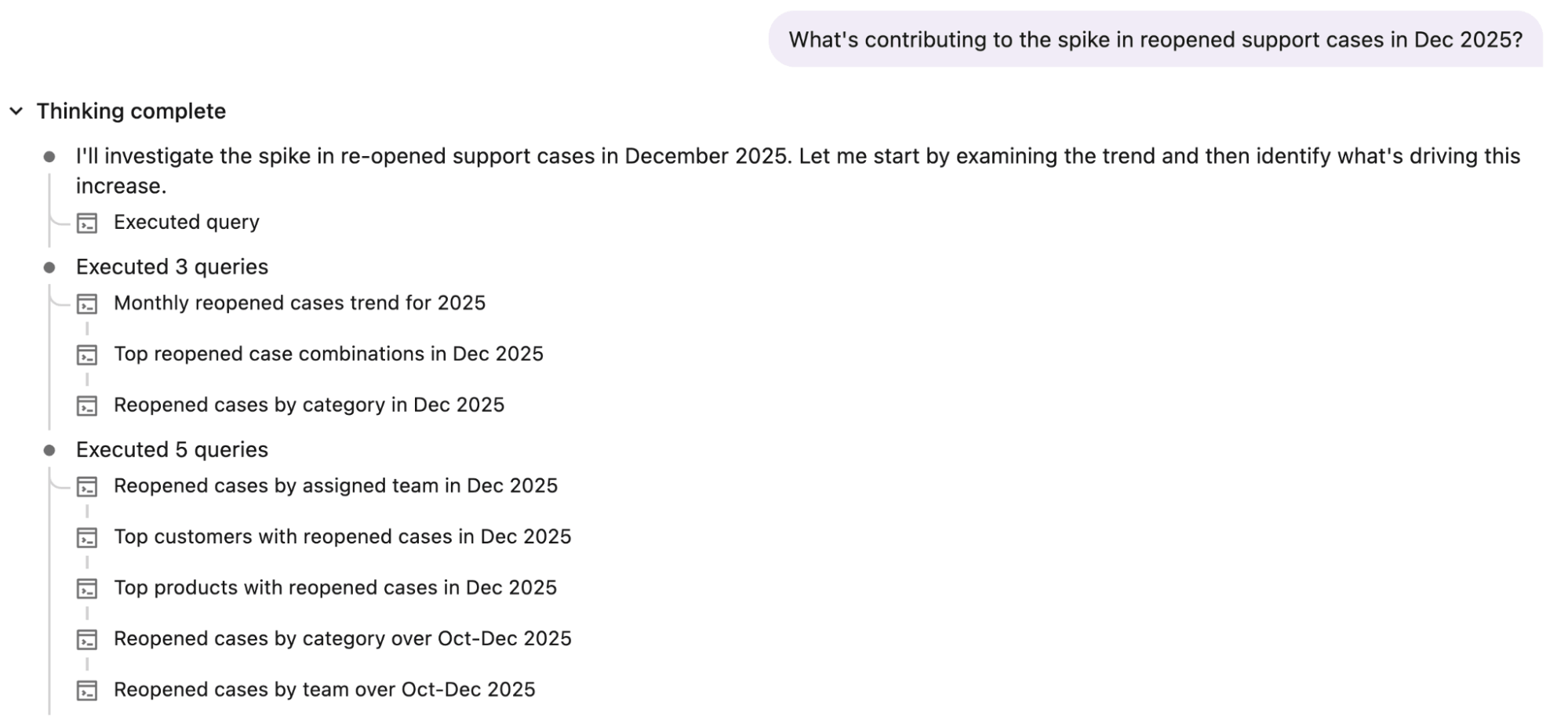
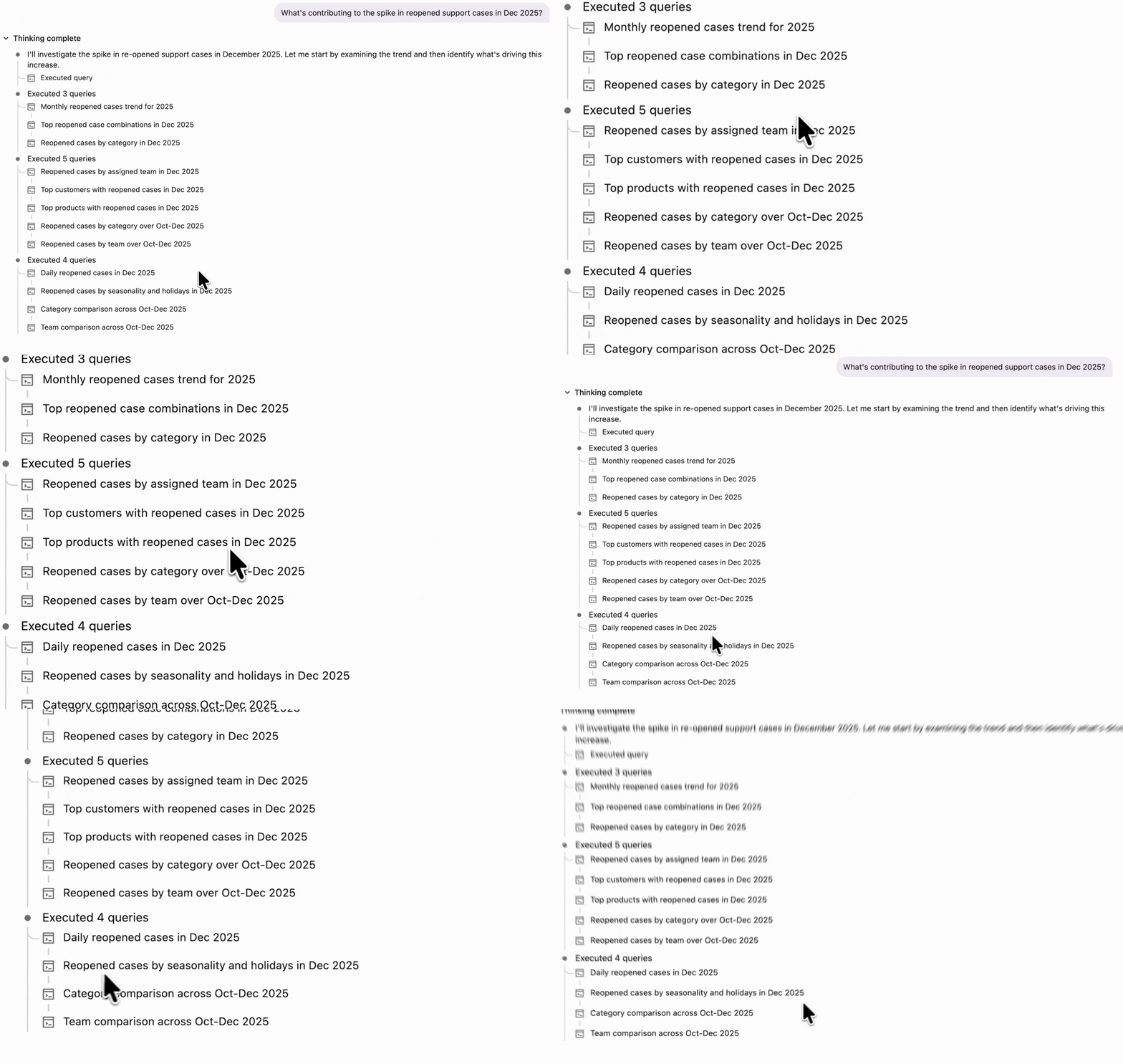
Consider a Genie space built for customer support. Faced with a rise in reopened cases in a recent month, a user can ask what is driving the increase. Agent Mode first confirms the spike, then looks for likely contributors such as specific customers, products, categories, or teams. It draws on the business context defined in the Genie space, including Unity Catalog metadata and author-defined semantics, to focus on the factors most likely to matter, and uses the curated knowledge in the space to generate accurate queries.
As it works, Genie weighs the result of each query and decides what to examine next. In the support example, after testing several potential drivers it might choose to investigate whether seasonal patterns are contributing. This cycle of hypothesis, query, and reflection lets the system explore the data more thoroughly before settling on a well-supported explanation.
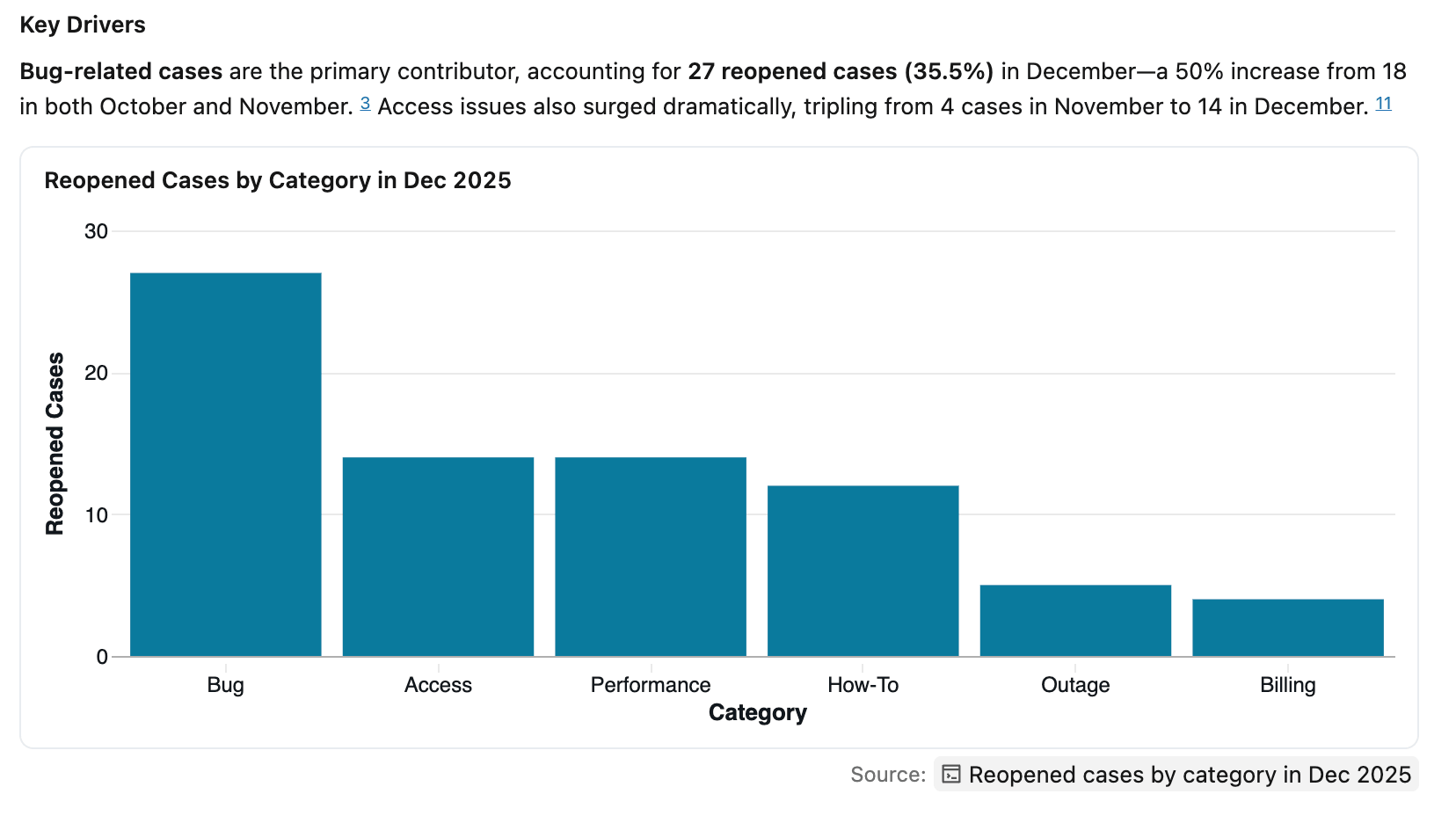
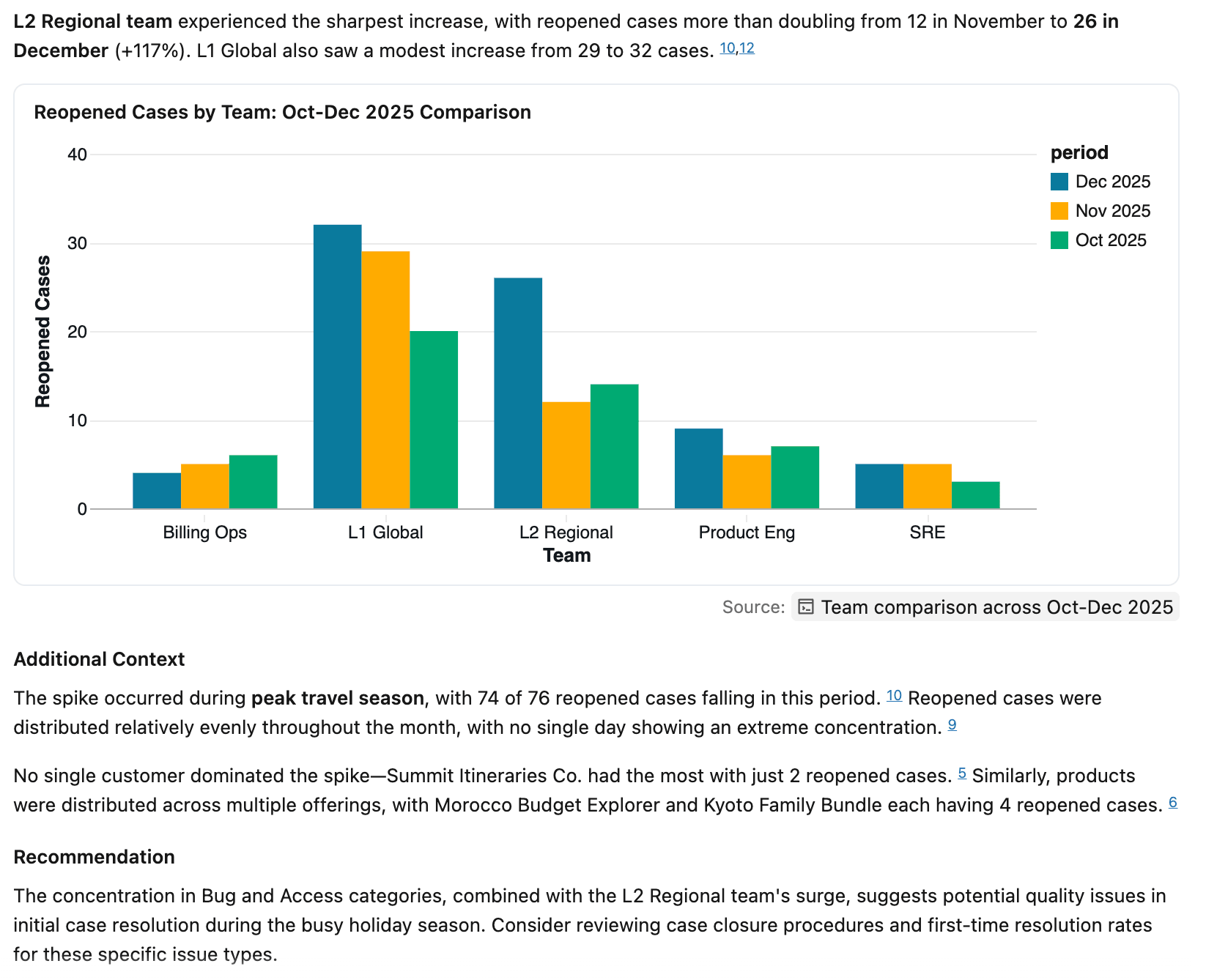
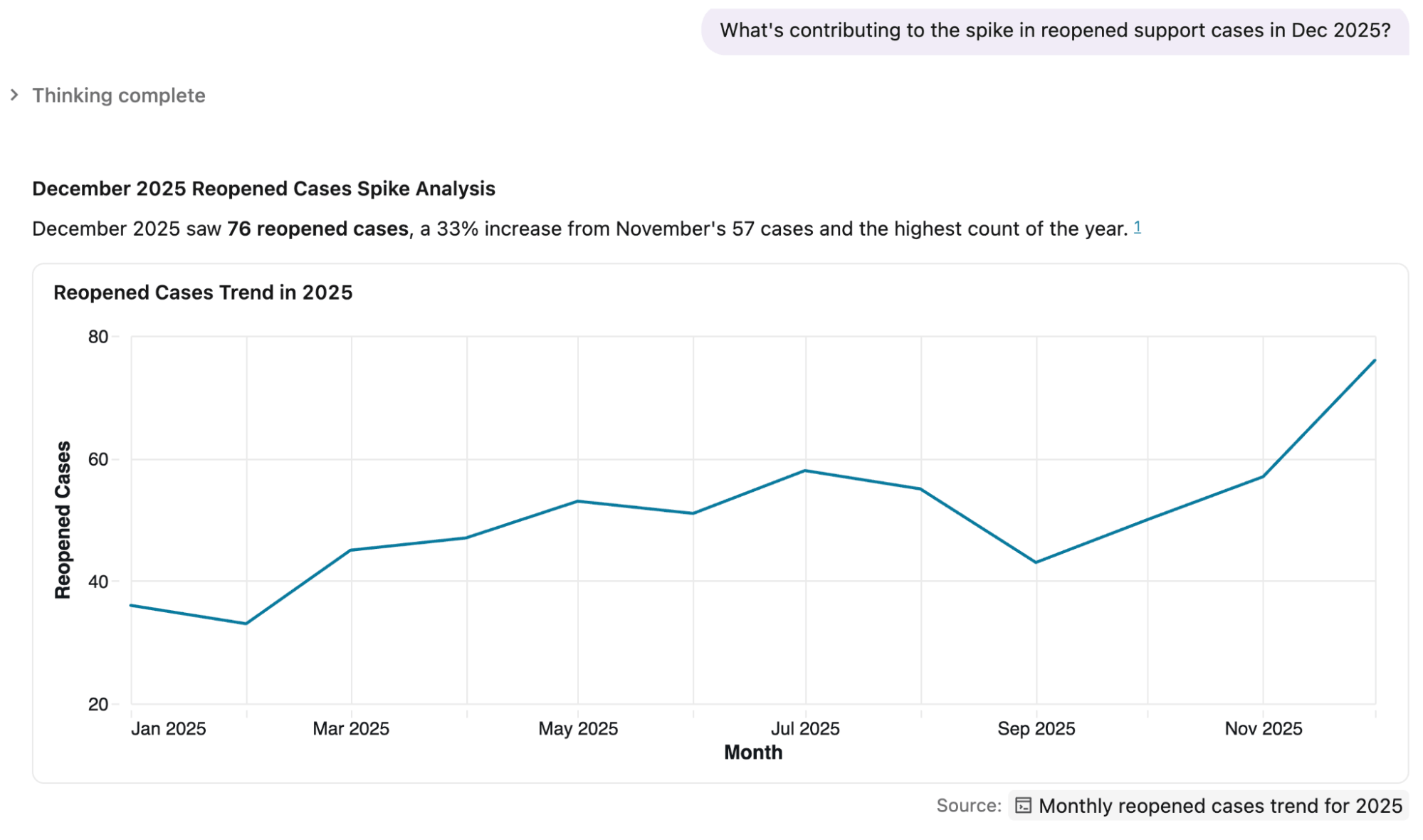
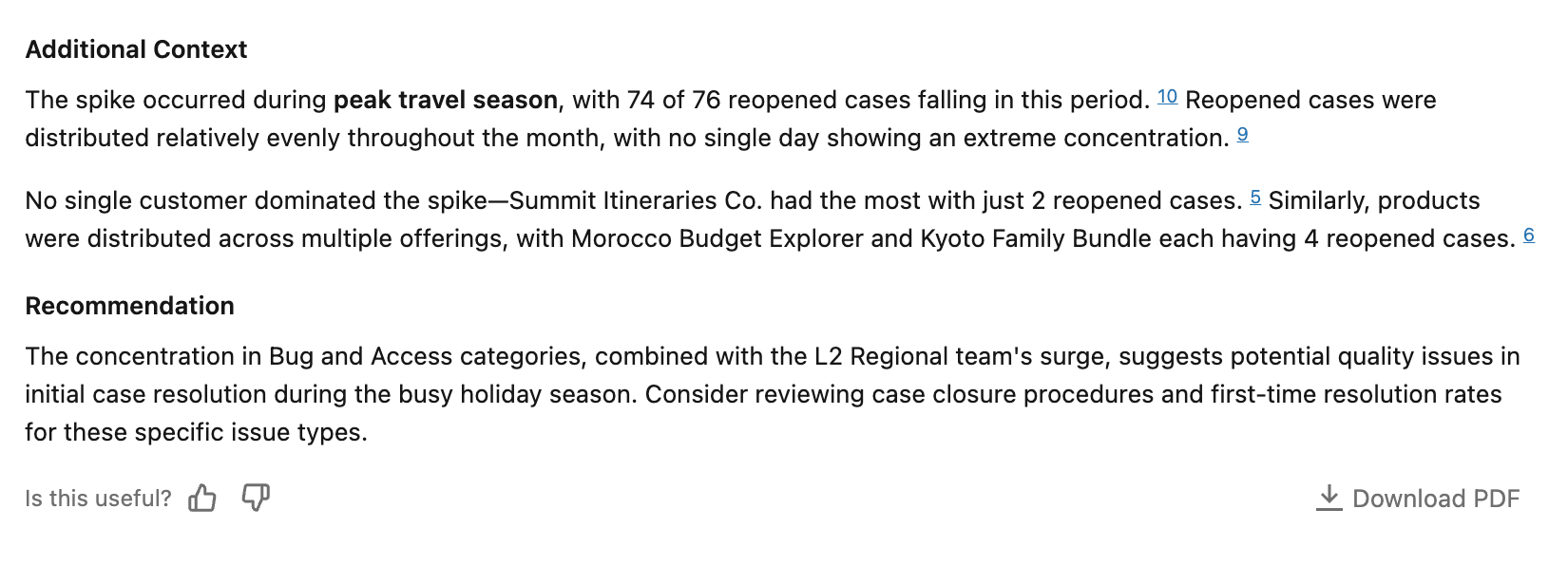
Once the analysis is complete, Genie produces a report. In the example, the report quantifies the increase in reopened cases and identifies the main contributors, then backs the findings with visualizations and references to the underlying SQL so users can check the work. Depending on the question, it can also offer recommendations on where teams should focus to improve performance. Reports can be shared on the platform or downloaded as PDFs for wider distribution.
Built for questions of any complexity
According to Databricks, Agent Mode is designed to improve accuracy across the full range of queries, from simple lookups to multi-step analysis. Even for straightforward questions it takes small validation steps to confirm its understanding of the data before answering, and it scales the depth of its reasoning to the complexity of the question, so routine queries return quickly while harder ones receive more rigorous investigation.
Limitations and what to watch
The capabilities and examples described here come from Databricks’ own announcement, so independent, real-world evaluation across varied datasets is still the best measure of accuracy. As with any system that generates SQL and natural-language conclusions, results depend heavily on the quality of the underlying data and on the semantic context and metadata curated in the Genie space; gaps or errors there can lead to confident but misleading answers. The transparency features, the exposed plan, queries, and citations, are therefore important, and outputs intended to drive decisions still warrant human review. Agent Mode is also tied to the Databricks platform and its Unity Catalog governance model, which is a consideration for teams weighing it against other analytics tools.
Getting started
Agent Mode is available within Genie spaces on Databricks. Teams already using Genie can enable it on an existing space, while those new to the feature can consult the official documentation for setup and governance details.