

Open Notebook is an open-source NotebookLM alternative built for people who want AI-assisted research without handing their data to a cloud provider. As AI notebooks become central to research and learning, they increasingly handle sensitive material — unpublished work, reading archives, intellectual property. Cloud-based tools are convenient, but they can lock users into proprietary ecosystems and expose private notes to external servers, where data may be stored, logged, or in some cases used for model training.
The limits of cloud-only notebooks
Cloud services such as Google NotebookLM offer polish and seamless integration, but the convenience carries trade-offs. Notes, annotations, and references live inside the provider’s ecosystem, so switching services or models later means friction and cost. Users cannot always pick their preferred AI model or adapt the system to a specific workflow. And every piece of sensitive information uploaded to a cloud service carries some risk — from breaches, misuse, or unintended inclusion in training data. Independent researchers, small teams, and privacy-conscious learners are least able to absorb those risks.
What Open Notebook is
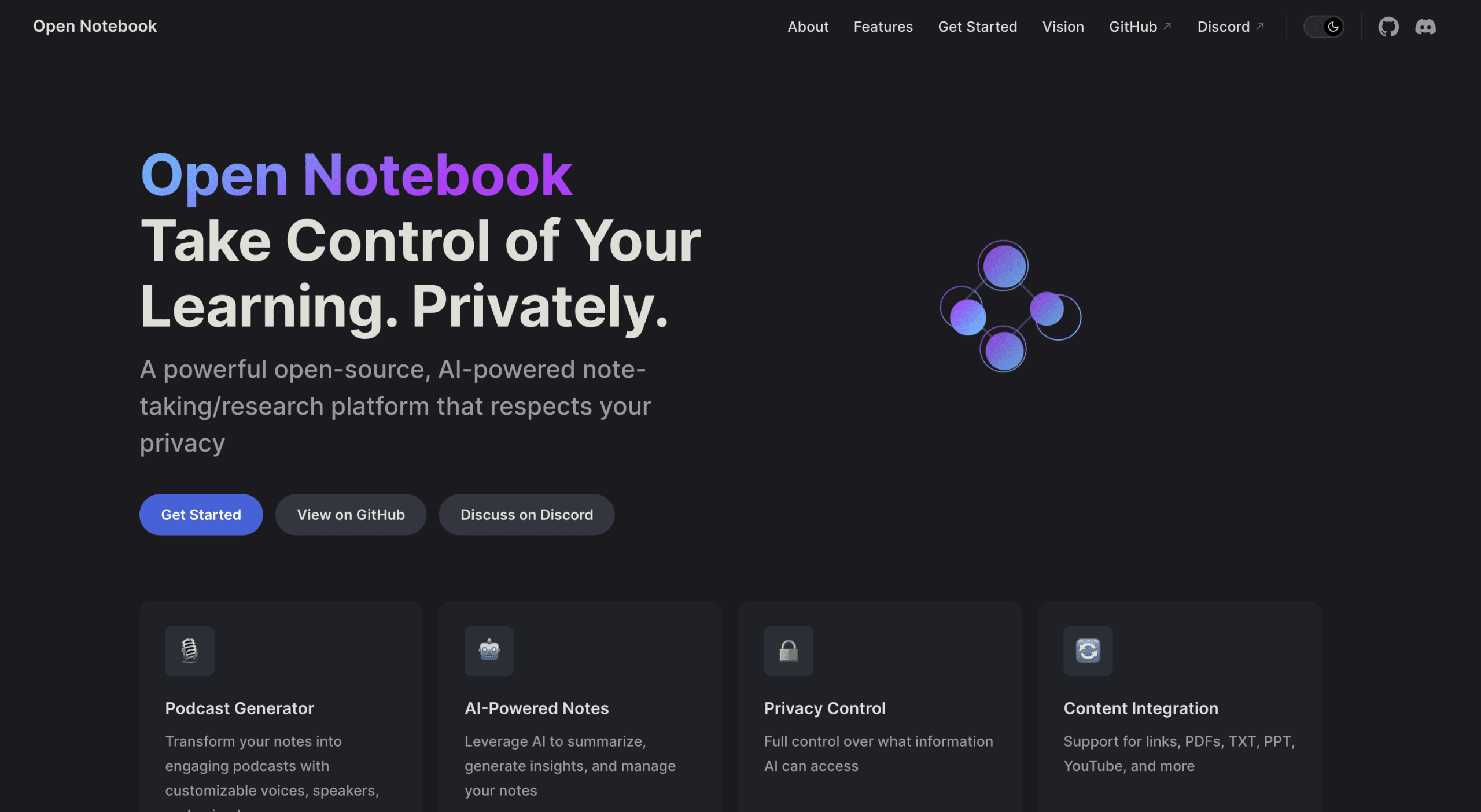
Open Notebook is an open-source, AI-powered platform for taking, organizing, and interacting with notes while keeping full control of the underlying data. It runs locally or on a self-managed server, so PDFs, videos, and research material never leave the user’s infrastructure unless explicitly allowed. The project pairs AI-assisted summaries, contextual insights, and multimodal content management with a privacy-first design, and is aimed at researchers, students, and professionals managing large reading backlogs.
Key features
AI-powered notes. The platform summarizes long passages, extracts insights, and creates context-aware notes, turning reading material into actionable knowledge quickly.
Privacy controls. Users decide which AI models interact with their content. With local deployment, sensitive data stays on the device unless permission is given.
Multimodal content. PDFs, YouTube videos, text files, presentations, and web pages can be consolidated in one research workspace.
Podcast generation. Notes can be converted into multi-speaker audio with configurable voices — one of the features that made NotebookLM popular, here in self-hosted form.
Search and chat. Full-text and vector search work across all content, and AI-powered Q&A lets users converse naturally with their knowledge base.
Open Notebook vs NotebookLM
Both platforms offer AI-assisted note-taking and contextual insights, but they differ substantially in deployment, flexibility, and data control, as the comparison below shows.
| Speciality | Google NotebookLM | open notebook |
|---|---|---|
| deployment | Cloud-only, proprietary | Self-hosted or local, open-source |
| data privacy | Data stored on Google servers, limited control | Full control over data, never leaves local environment unless specified |
| AI model flexibility | Fixed for Google’s models | Supports multiple models including local AI Olama |
| integration options | Limited to the Google ecosystem | API access for custom workflows and external integrations |
| content type | Lesson and basic notes | PDF, PPT, TXT, YouTube video, audio and more |
| Cost | on membership basis | Free and open source, zero cost local deployment |
| community contribution | closed development | Open-source, community-driven roadmap and contributions |
| Podcast Generation | not available | Multi-speaker, customizable audio podcasts from notes |
Deploying Open Notebook with Docker
The recommended deployment method is Docker, which isolates the application and keeps setup consistent. The first step creates a directory to hold configuration and persistent data.
mkdir open-notebook
cd open-notebook
The second step starts the container:
docker run -d
  --name open-notebook
  -p 8502:8502 -p 5055:5055
  -v ./notebook_data:/app/data
  -v ./surreal_data:/mydata
  -e OPENAI_API_KEY=your_key
  lfnovo/open_notebook:v1-latest-single
The parameters map the web interface and API ports (8502 and 5055), mount local folders so notes and database files persist across container restarts, and optionally pass an OpenAI API key for model integration. After startup, the interface is available in the browser on the mapped port.
Two folders appear in the local directory after deployment: notebook_data holds notes, summaries, and AI-processed content, while surreal_data contains the internal SurrealDB database files. Because both live on the host machine, they can be backed up, migrated, or inspected at any time without depending on a third-party service.
Practical use cases
Individual researchers can centralize large reading backlogs — importing PDFs, lecture notes, and web articles, then summarizing and organizing them without manually sorting dozens of sources. Teams can run Open Notebook as a private, collaborative knowledge base on a shared server, keeping data inside the organization. Learners can use context-aware chat and summaries to break large volumes of material into digestible insights. More advanced workflows combine these: a researcher can feed in multiple papers, extract key findings, and generate a multi-speaker podcast to review or share with a study group, all privately.
Privacy and open source
The architecture prioritizes privacy by design: notes, databases, and AI interactions stay on the user’s machine or servers, and users choose which models touch their data — commercial APIs, local models, or custom integrations. The project is MIT-licensed and developed openly on GitHub, where it supports more than a dozen AI providers including OpenAI, Anthropic, and local options such as Ollama. Anyone can audit the code, propose improvements, or adapt the platform to a specific workflow.
Limitations and what to watch
Self-hosting shifts responsibility to the user: updates, backups, and security hardening are not handled by a vendor, and a misconfigured server can undermine the privacy benefits the tool exists to provide. Using commercial model APIs from within Open Notebook still sends the relevant content to those providers, so a fully private setup requires local models, which typically trail frontier cloud models in quality. As a community project it also evolves quickly, and features can change between releases. For agency and business-workflow perspectives on Google’s alternative, see this post on why NotebookLM may be underrated for agencies.
